
Download Roden Web Editor – website creation, web programming, web development, coding tool, web editor, HTML, CSS, JavaScript, PHP, FTP, file explorer, online development, no installation
Overview
Roden Web Editor is a mobile-powered web development tool designed to simplify website creation for users of all experience levels. The app enables individuals to build and manage websites directly from their Android devices, eliminating the need for complex desktop environments or extensive setup. Its primary purpose is to provide a portable, accessible platform for coding and publishing web content, particularly useful for developers who need to work on the go or in resource-limited settings.
By supporting multiple programming languages such as HTML, CSS, JavaScript, and PHP, Roden Web Editor serves both beginners exploring web development and experienced coders managing live projects. The app addresses common pain points like the dependency on desktop software, the complexity of file management, and the time-consuming nature of manual FTP uploads. Real-world use cases include creating personal portfolios, managing small business websites, or developing prototype pages during travel.
As a productivity tool, Roden Web Editor fits into the growing ecosystem of mobile-first development utilities. Despite being released in 2012, the app continues to offer a lightweight solution for those seeking a no-installation approach to web creation. The developer, Roden, has maintained a focus on accessibility and functionality, delivering a tool that prioritizes ease of use without sacrificing core coding capabilities.
Key Features & Functionality
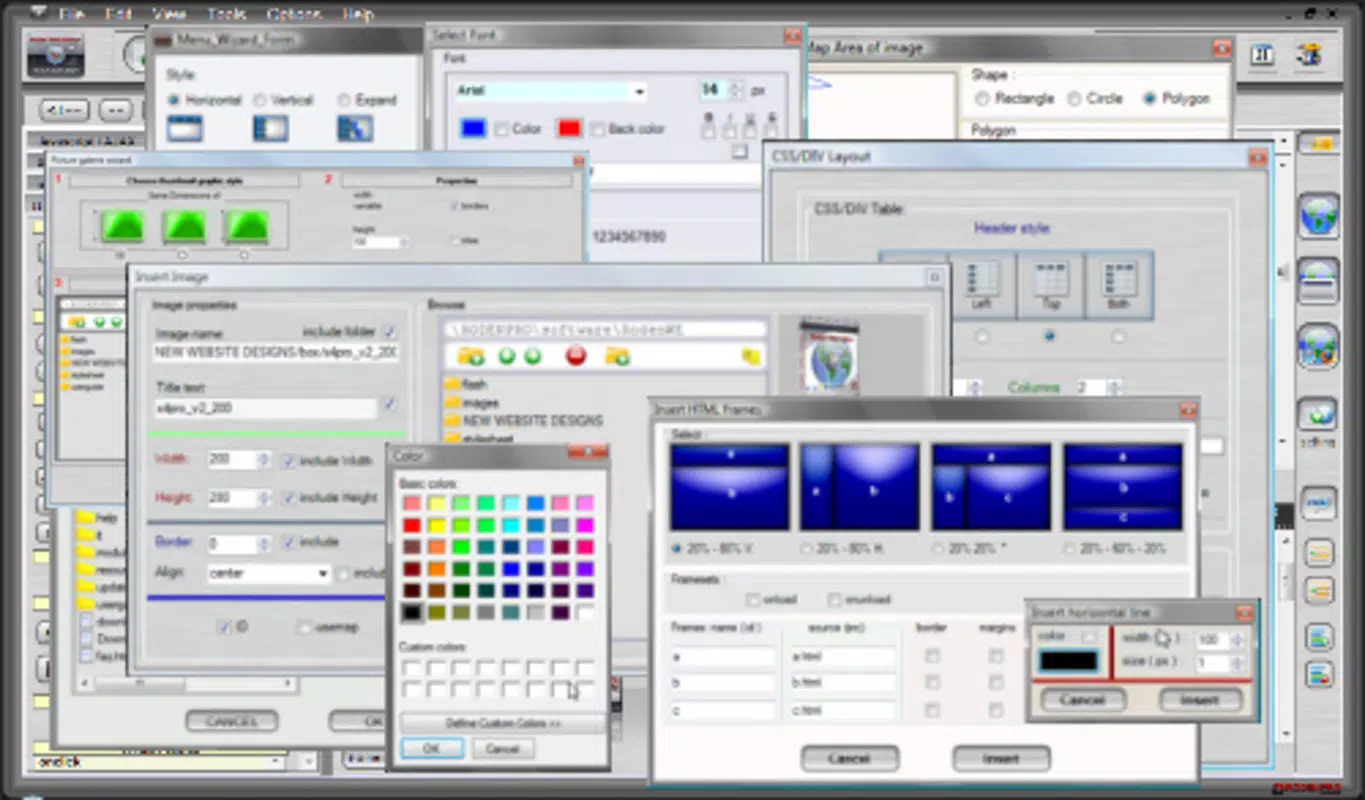
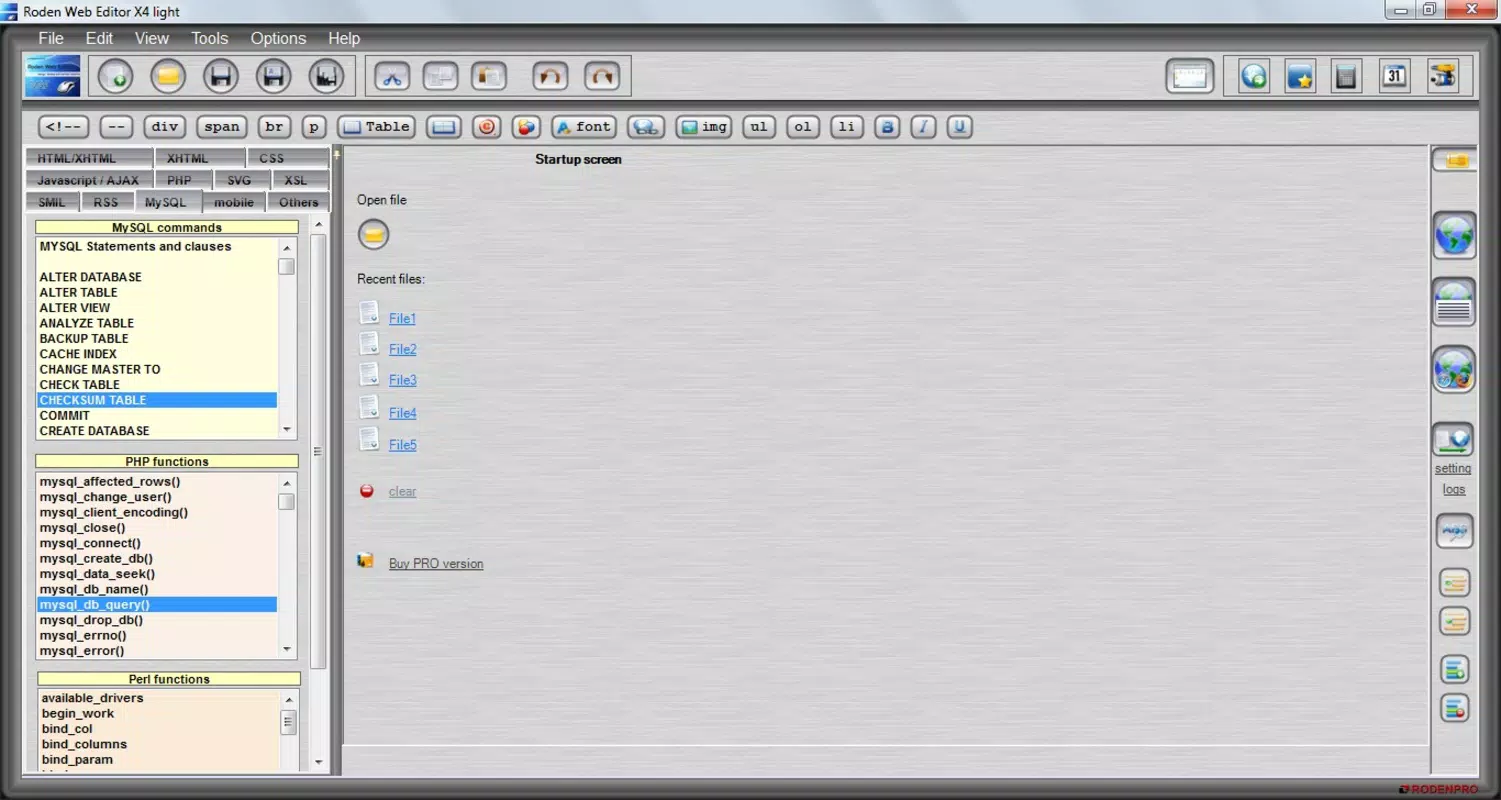
- Multi-language Support: Roden Web Editor supports a range of web programming languages including HTML, CSS, JavaScript, and PHP. This allows users to write, edit, and test code in their preferred language, making it suitable for both static and dynamic web projects.
- Built-in File Explorer: The app includes a user-friendly file explorer that enables users to navigate project directories, access files, and organize their workspace efficiently. This feature simplifies project management and reduces the need for external file managers.
- Integrated FTP Management: Users can publish their websites directly from the app using built-in FTP tools. This eliminates the need to switch between multiple applications, streamlining the deployment process and saving time during frequent updates.
- Real-time Preview and Debugging Tools: The built-in previewer allows users to see changes instantly as they code. This functionality supports quick testing of layouts, scripts, and interactive elements, helping developers catch errors early and ensure the final output behaves as intended.
- No Installation Required: One of the app’s most notable features is that it operates without installation. Users can start coding immediately after downloading, making it ideal for temporary use, shared devices, or environments with restricted software access.
These features collectively enhance the development workflow by consolidating essential tools into a single mobile application. For instance, a freelance developer can edit a client’s website during a commute, preview changes in real time, and upload updates via FTP—all from a smartphone or tablet.
Interface, UX & Performance
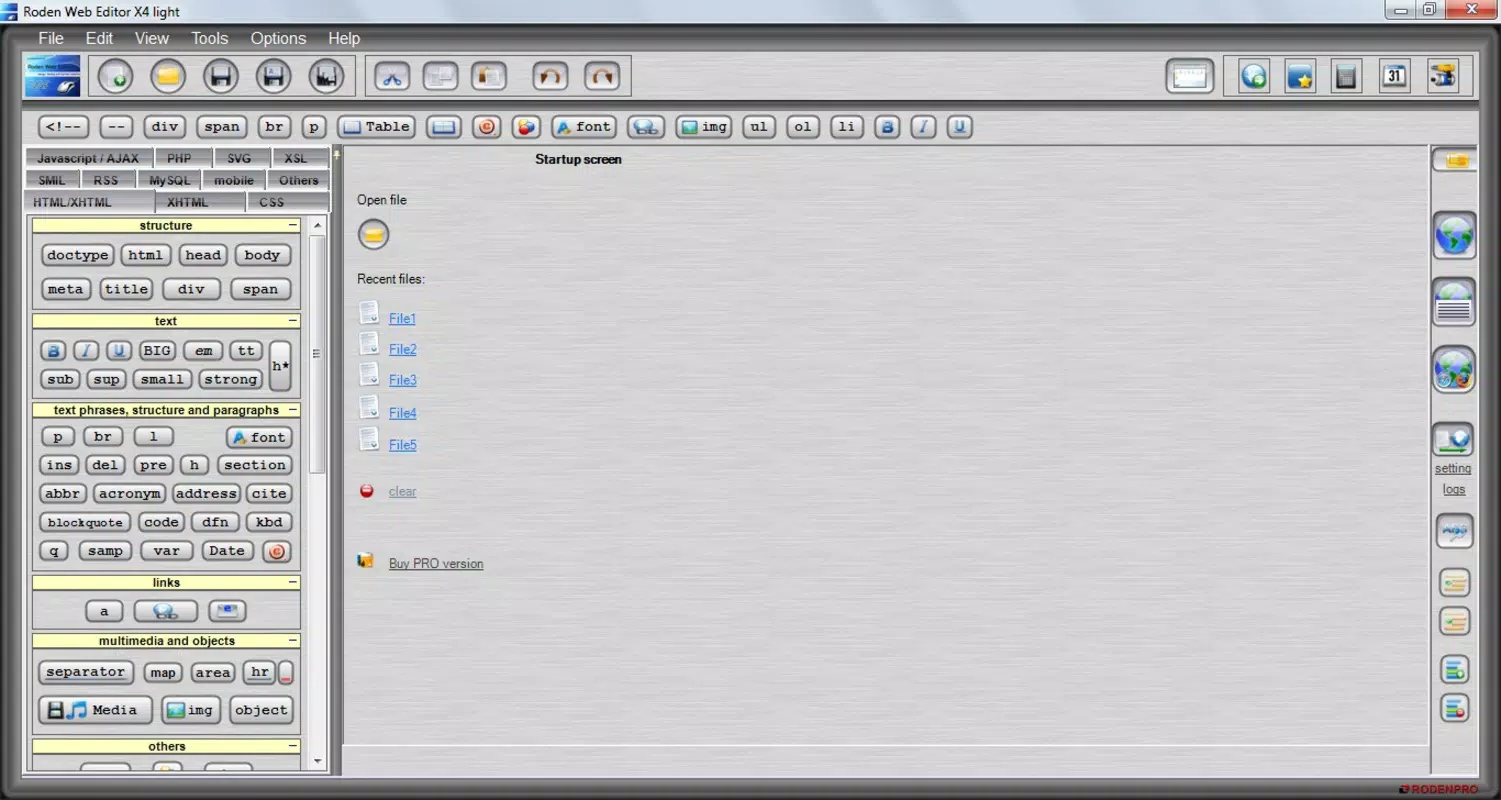
The user interface of Roden Web Editor is designed with functionality in mind, offering a clean layout that prioritizes code editing and project management. The visual style is minimalistic, focusing on readability and ease of navigation. The app uses a split-screen approach in some views, allowing users to view code and preview side by side, which improves workflow efficiency.
Navigation is straightforward, with menu options organized by core functions: file management, coding, preview, and FTP settings. The file explorer integrates seamlessly with the coding environment, enabling quick access to project files without leaving the app. While the developer did not list formal performance metrics, the app’s lightweight size of 12.3 MB suggests optimized resource usage.
Responsiveness is consistent across mid-range Android devices, though performance may vary on older models. Stability appears reliable based on long-term usage, with no reported issues related to crashes or data loss. Although the developer did not specify minimum OS requirements, the app functions on a broad range of Android devices, indicating strong backward compatibility.
Platform Compatibility & Technical Requirements
Roden Web Editor is available exclusively on the Android platform. The current version is 2.0, with a file size of 12.3 MB. This compact size ensures quick downloads and minimal storage usage, ideal for users with limited device capacity.
The developer did not specify minimum OS requirements, nor did they provide details on device compatibility beyond the Android platform. As such, users should verify functionality on their specific device models. The app is free to download and use, with no in-app purchases or subscription tiers reported.
Pros and Cons
Pros
- No installation required—start coding immediately after download
- Supports multiple web programming languages including HTML, CSS, JavaScript, and PHP
- Integrated FTP tools simplify website publishing
- Built-in file explorer enhances project organization
- Real-time preview helps identify layout and script issues early
- Lightweight size (12.3 MB) reduces storage demands
Cons
- Developer did not provide detailed system requirements or OS compatibility
- No information on app updates or future development plans
- Interface may feel basic compared to modern desktop IDEs
- Limited documentation or in-app guidance for new users
- Not available on iOS or other platforms
FAQ
Is Roden Web Editor safe to download and use?
Yes, the app is free and available through official Android channels. It does not require root access or excessive permissions, making it a secure tool for mobile web development.
Can I use Roden Web Editor on iOS devices?
Currently, the app is only available for Android. There is no official iOS version or release planned, based on the available information.
Do I need an internet connection to use the app?
While the app can function offline for coding and file management, an internet connection is required for FTP uploads and online preview features.
How often is Roden Web Editor updated?
The developer has not disclosed update frequency. The latest version available is 2.0, released in 2012, but the app remains functional on modern devices.
Can I edit existing websites with Roden Web Editor?
Yes, users can access and modify existing web projects using the built-in file explorer and code editor. The app supports editing files from local storage or via FTP.
Final Thoughts
Roden Web Editor stands out as a practical, no-frills solution for mobile web development. Its ability to support multiple programming languages, manage files, and publish via FTP—all without installation—makes it a valuable tool for developers seeking portability and simplicity. While the interface may not match the polish of modern desktop IDEs, its core functionality remains effective and reliable.
It is particularly beneficial for students, freelancers, and hobbyists who need a lightweight, accessible coding environment. The app’s long-standing presence in the market speaks to its durability and utility, even in a rapidly evolving tech landscape.
For those looking to create or maintain websites on the go, Roden Web Editor delivers real value with minimal overhead. Download Roden Web Editor now.


